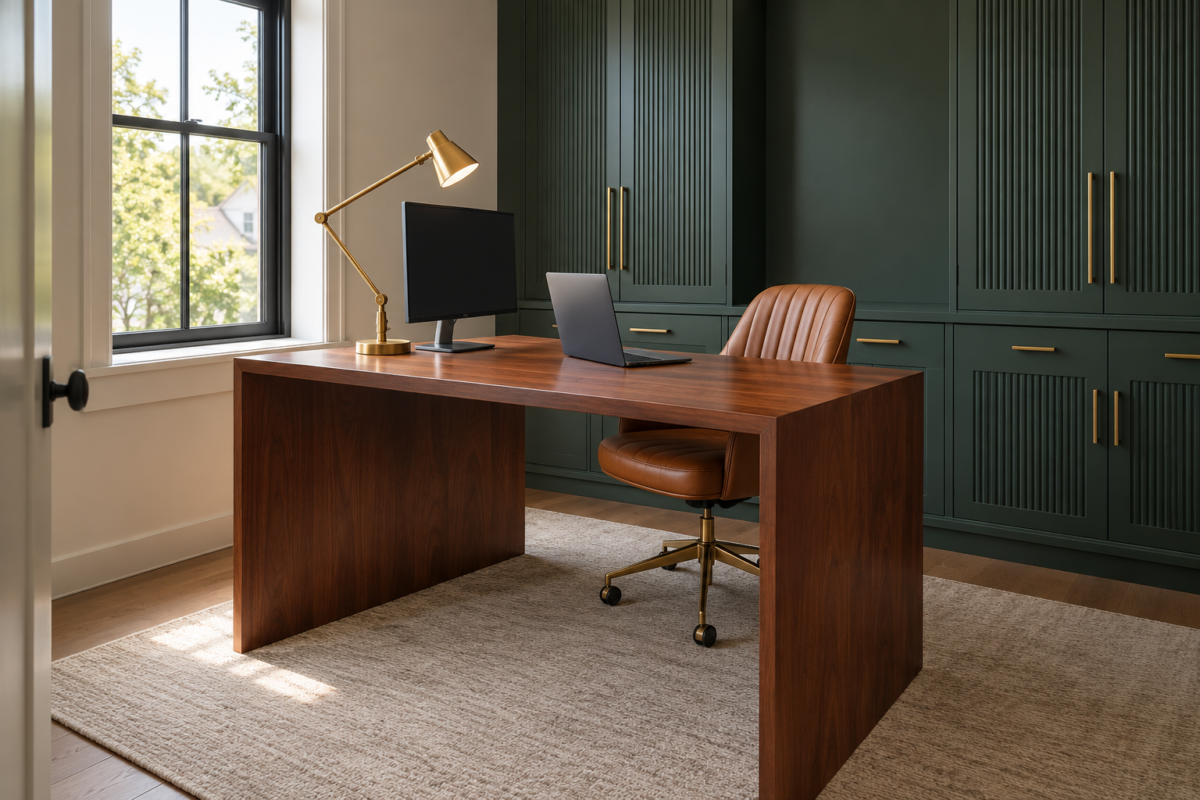
A desk lamp that looks perfectly fine in person can still leave a video call looking lit from below, and an overhead fixture that makes a room feel bright can put a hard glare right across a laptop screen. Most home office lighting advice covers ambient, task, and accent light in general terms, the same advice that works for any room in the house. A screen and a camera need something more specific. They need light that doesn’t reflect where you’re looking, and light that reaches your face the way a lamp aimed at a keyboard never will.
Both problems come down to where the light sits, relative to the screen and relative to your face. Moving either one, or adding a single source in the right spot, usually resolves most glare and most flat-looking video calls without adding a single new lamp to the room.
Find Out Where the Glare Is Coming From
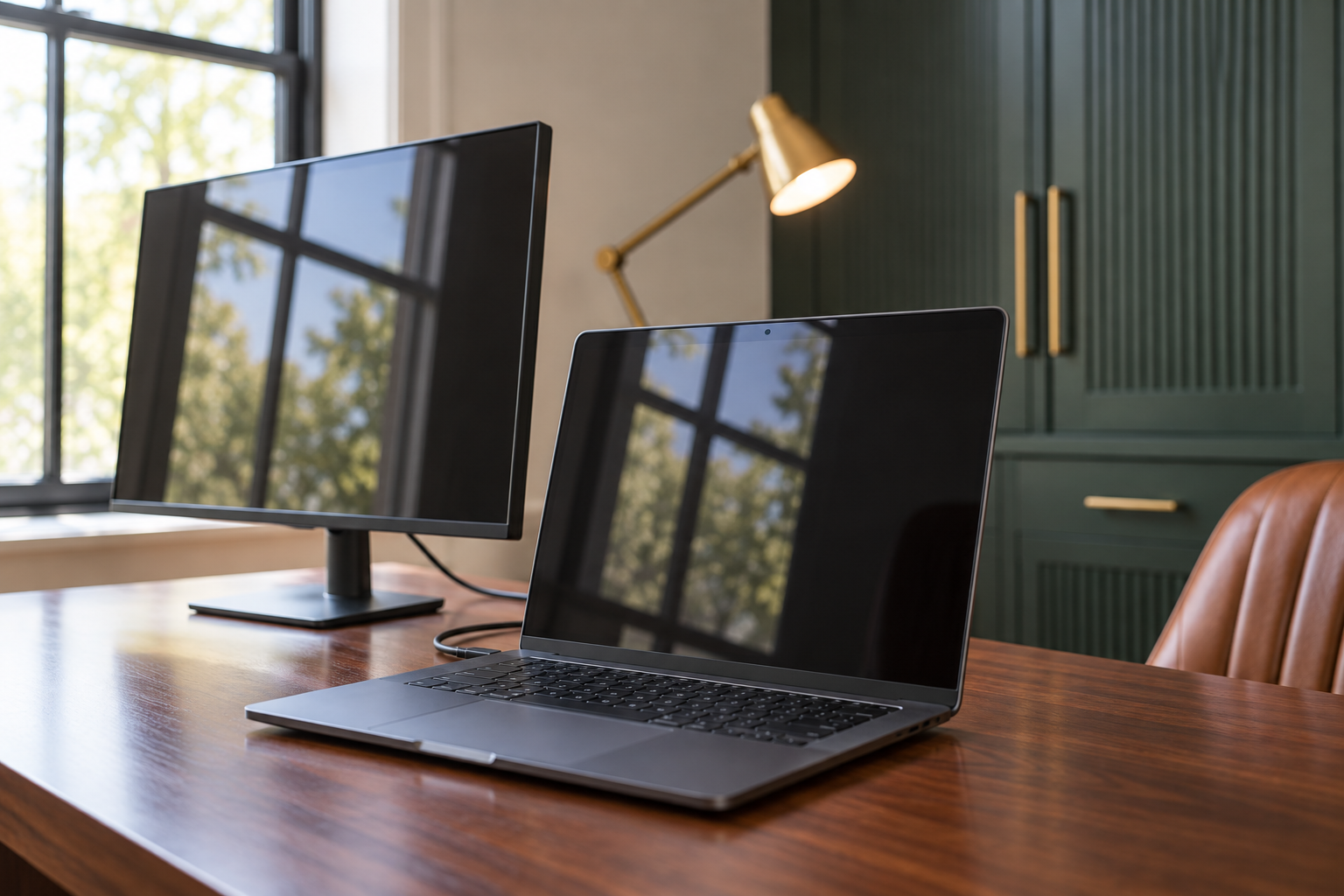
Screen glare almost always comes from one of two places: a window facing the monitor, or an overhead light positioned behind the chair. The easiest way to find it is with the monitor off. A dark, powered-down screen works like a mirror, so whatever shows up reflected in it during the day is exactly what will wash out the display once it’s on.
Once the source is identified, closing a blind partway, angling a lamp shade away from the desk, or shifting the monitor a few inches so the reflection clears the screen usually solves it without adding a single new fixture.
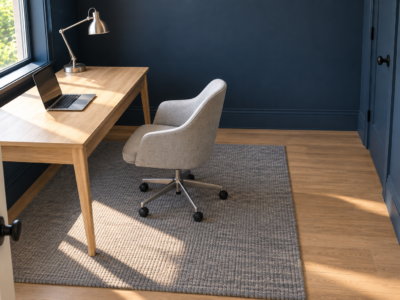
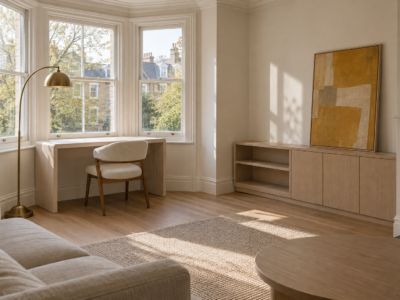
Turn the Desk Sideways to the Window
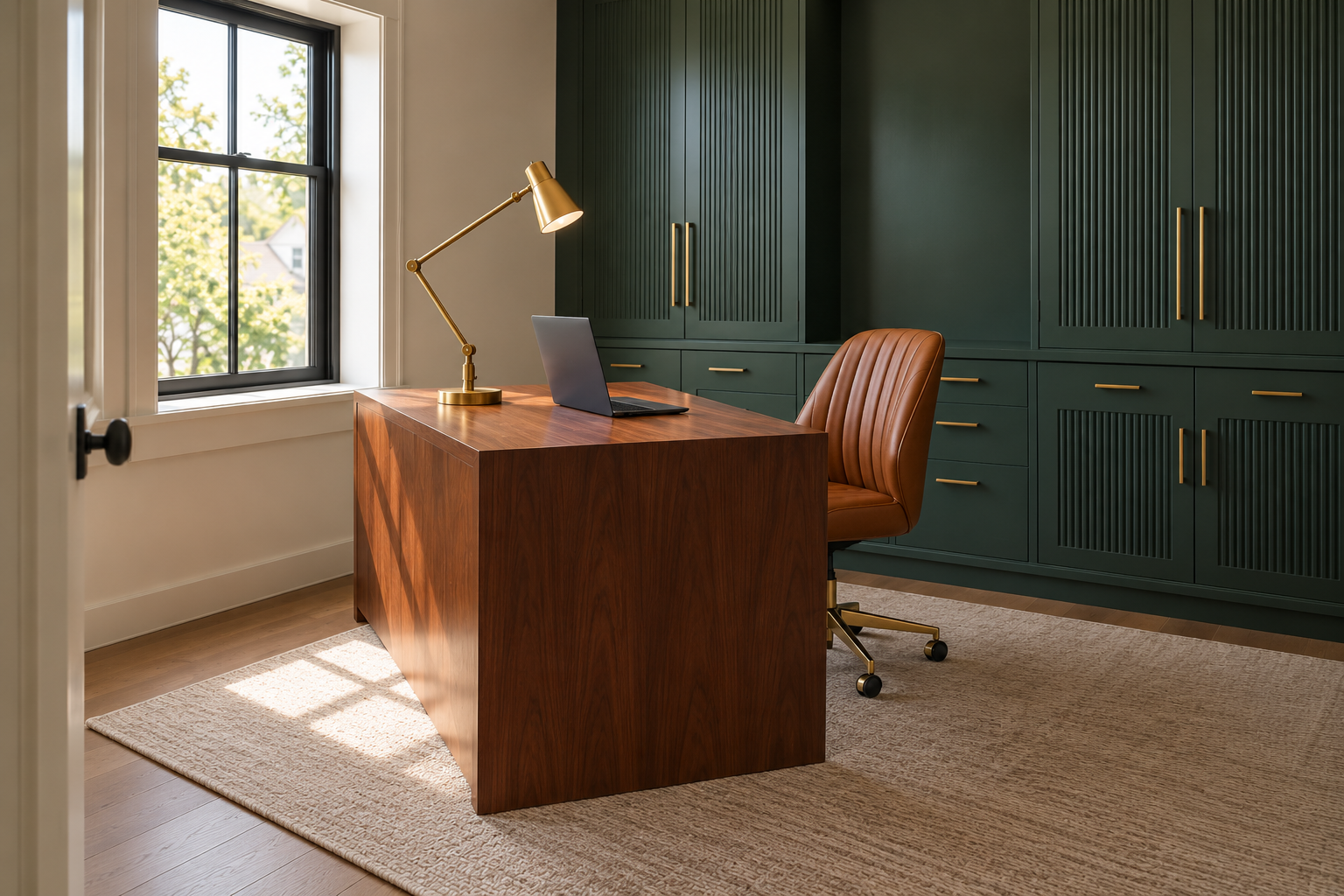
A desk that faces a window directly puts you in good light for a video call, but it also puts the window right behind the screen from your own point of view, and a bright sky behind a monitor makes the display look dim and low-contrast by comparison. A desk with a window at your back solves that contrast problem, but it does the opposite for video calls, since anyone you talk to sees a bright window and a dark silhouette in front of it.
Turning the desk so the window sits to one side avoids both problems, though it depends on having enough floor space to pivot the desk in the first place, which a corner setup with tight clearance behind the chair doesn’t always allow. Daylight still reaches your face for calls without sitting directly behind you, and the window is no longer positioned to compete with, or land on, the screen. Where a desk has to face one way or the other, a light-blocking blind and a supplemental front light (see below) can recover most of what the sideways position gives you for free.
Aim One Light at Your Face, Not Just at the Desk
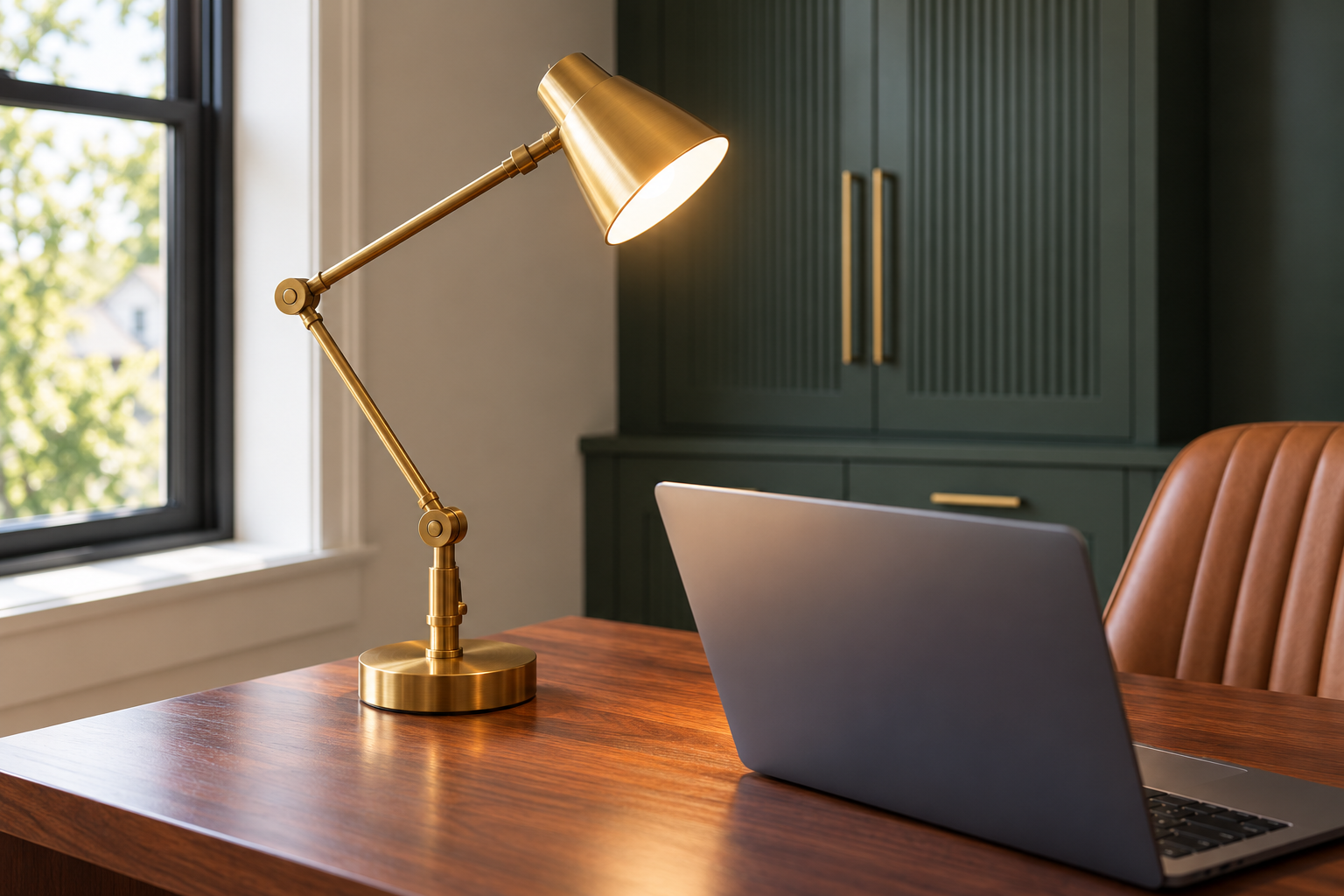
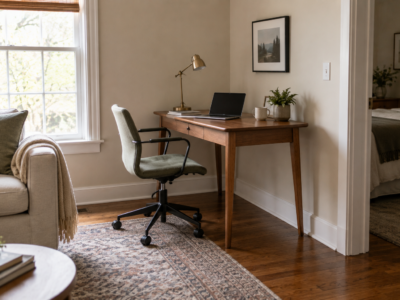
A lamp positioned to light your keyboard or notepad is aimed at the wrong height for a camera. A monitor-mounted light, or a small lamp with a broad shade set just behind or beside the screen and angled slightly upward, puts light on your face instead of your desk, which is the only light a camera actually records.
One source is usually enough. Two competing front lights at different heights or colors tend to cast a second, fainter shadow across the face, which reads as worse on camera than a single, slightly imperfect source. A dedicated video light isn’t required. A lamp already in the room, moved a few inches and angled up, does the same job.
Match Your Bulb Color to What the Camera Sees
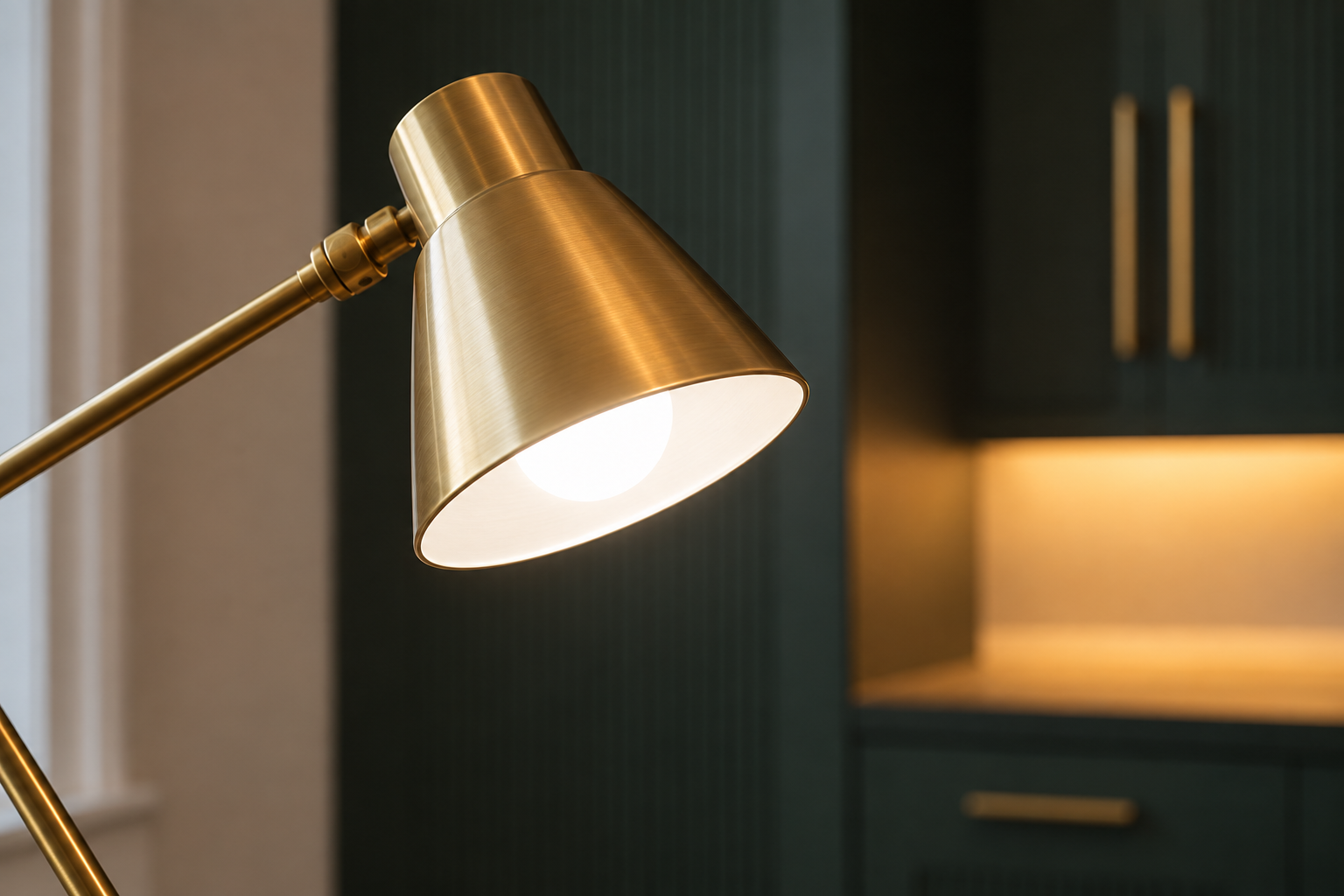
The rest of the room can stay wherever a warm 2700K to 3000K bulb usually lands for comfortable evening light, the same range that works for a living room. The light at your face for a video call is a different decision. Cameras adjust their own white balance to whatever light is strongest in frame, and a very warm bulb aimed directly at your face can shift skin tone orange in a way a mixed light in the room won’t fully correct for.
A neutral white bulb, somewhere around 3500K to 4000K, at the one fixture lighting your face keeps skin tone closer to how it looks in person on most webcams, even while the rest of the room stays warmer. The goal isn’t matching every bulb in the house. It’s keeping the one light your camera is measuring against consistent and close to neutral.
Keep the Room Lit While the Screen Is On
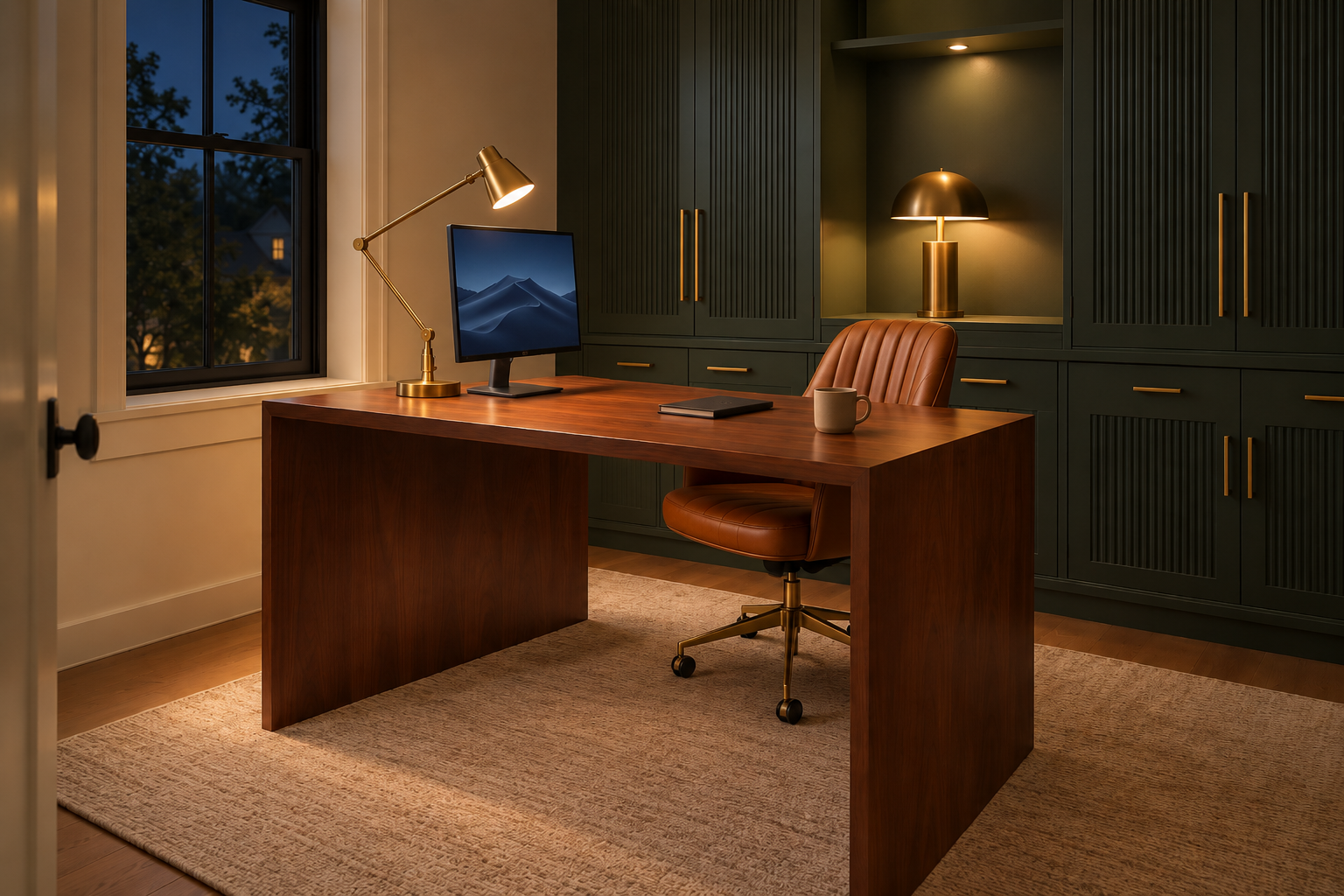
A bright monitor in an otherwise dark room forces your eyes to keep readjusting between the two, which is a real source of the eye strain often blamed on the screen itself. A lamp somewhere else in the room, left on whenever the screen is in use, keeps that contrast manageable without changing how the monitor itself looks.
This matters most after dark, when a lit screen next to an otherwise unlit room creates the strongest contrast. A single lamp on a bookshelf or console, left on for the last hour or two of work, does more for eye comfort than a brighter desk lamp pointed straight at the keyboard.
Cover the Hours Daylight Doesn’t Reach
Daylight rarely stays consistent for an entire workday. Midmorning sun that lit a face nicely for a call can turn into hard glare by early afternoon as the sun moves, and an overcast morning can leave a desk too dim for either the screen or the camera. The fixes above only pay off if the supplemental sources, the face light and the ambient lamp, are easy to switch on the moment daylight stops doing the job.
A lamp on a smart plug or a simple switch within reach of the desk means adjusting for the day’s actual light takes a few seconds instead of a rearranged desk. By late fall and winter, when usable daylight at a desk can run out well before the workday does, that supplemental light stops being occasional and becomes the main source for a good part of every day.
Home office lighting adds two real problems on top of ordinary daytime visibility. One is what the screen reflects. The other is what the camera sees. Fixing both is less about adding fixtures than about where the light already in the room is pointed, and one well-placed source usually does more than a row of mismatched lamps.
Frequently Asked Questions
Do I need a ring light for video calls?
No. A ring light is a convenient, even way to light a face for a camera, but it does the same job as any lamp with a broad, diffused shade placed just behind or beside the screen and angled up slightly. A ring light earns its cost mainly for daily, extended video work where consistent framing matters. For occasional calls, a lamp already in the room usually solves the same problem.
What if the desk has to face directly into or away from the window?
Facing the desk into the window works best with a sheer curtain or a blind left partway closed during the brightest hours, which cuts the contrast between the window and the screen without blocking the room’s main light source. Backing the desk to the window needs a different fix. A front light strong enough to compete with the window behind it corrects the silhouette, since no amount of blind adjustment fixes one once the camera is already exposing for the bright background.