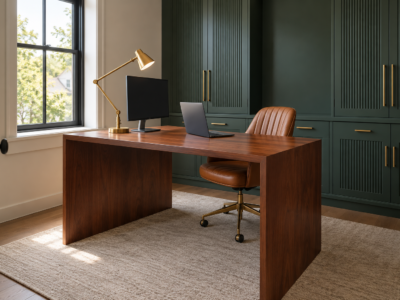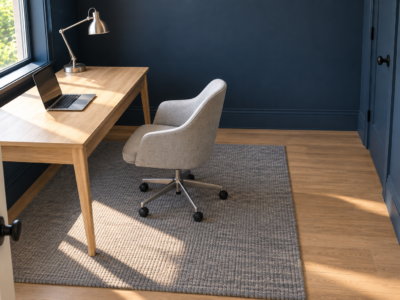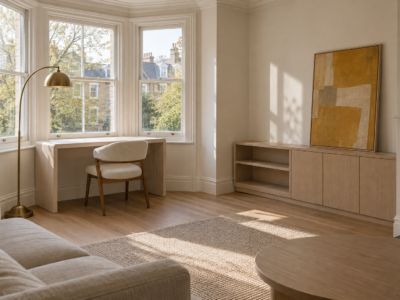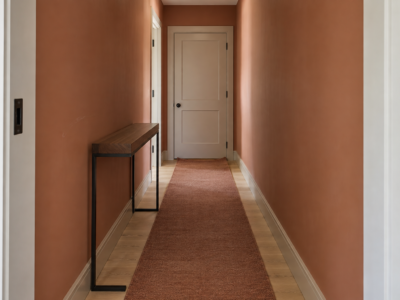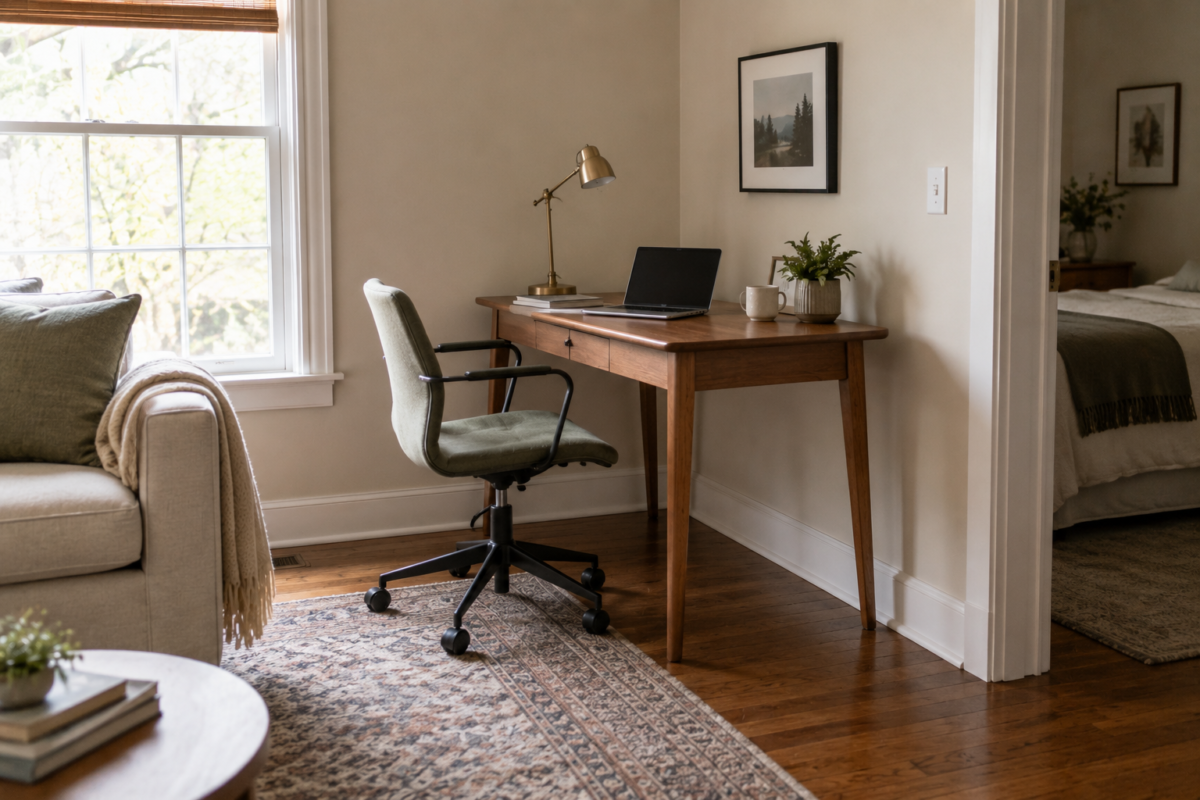
Not everyone has a spare room to convert into an office, and most advice aimed at home offices assumes a dedicated space that a lot of homes simply don’t have. A desk pushed into a genuinely awkward corner works better than most people expect, provided the setup respects a few real constraints: how much floor space a chair needs to pull out, where the light falls during the workday, and how visually separate the space needs to be from whatever room it’s borrowed from.
This isn’t about squeezing a full office into a closet. It’s about treating a corner as a real, if small, workspace with its own logic, rather than an afterthought wedged in wherever there happened to be room.
Measure the Chair’s Pull-Out Space Before Anything Else
A desk can technically fit into a corner and still be unusable if there’s no room for the chair to slide back and someone to sit down. A working desk setup needs roughly three feet of clearance behind the chair at minimum, more if the space doubles as a walkway. This is the single most common mistake in a corner office: choosing the desk size first and discovering afterward that the chair has nowhere to go. Measure the clearance the chair needs before choosing a desk, not after.
Face the Desk Toward the Room, Not the Wall, When Possible
A desk facing directly into a corner, wall inches from your face, works for short tasks but gets claustrophobic fast during a full workday. Where the corner allows it, angling the desk so the person sitting at it can see into the room, rather than straight into the wall, makes a small workspace feel considerably less confined. This isn’t always possible in a tight corner, but it’s worth checking before defaulting to the most obvious wall-facing setup.
Use a Narrow Desk Instead of a Standard One
A standard desk is usually 24 to 30 inches deep, sized for a room with space to spare. A narrower desk, 18 to 20 inches deep, still comfortably fits a laptop and a small amount of paperwork, and the several inches saved can be the difference between a desk that fits a genuine corner and one that doesn’t. A narrow desk against a wall also reads less like a home-office intrusion into a living room or bedroom and more like a piece of furniture that happens to also be a desk.
Add One Piece of Visual Separation
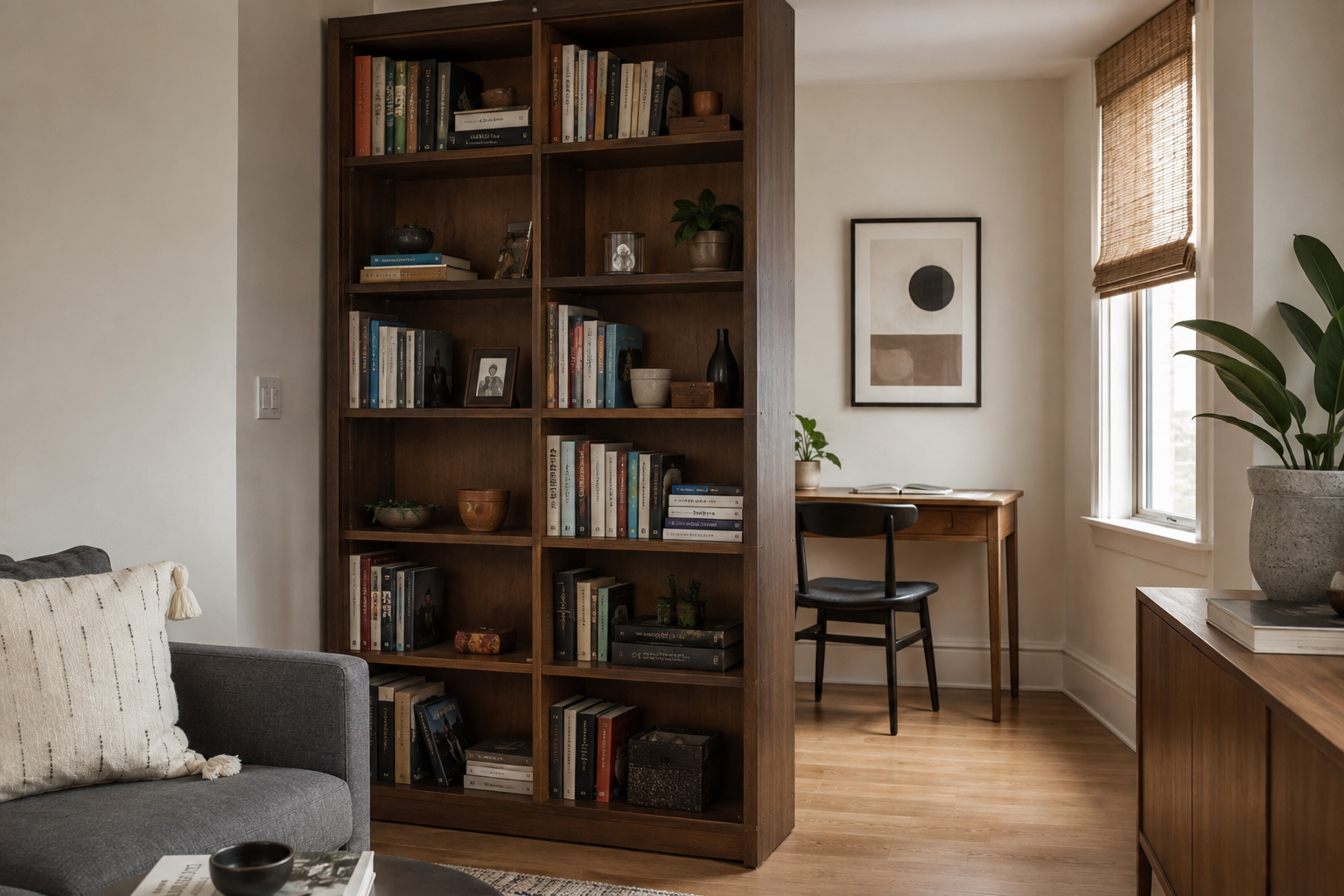
A corner office doesn’t need a full room divider to feel like its own space. A single tall bookshelf, a folding screen, or even a curtain on a tension rod placed at an angle to the desk creates enough visual break that the workspace reads as separate from the rest of the room, without requiring construction or a genuine room division. One piece of separation is usually enough; more than that starts to visually clutter a space that’s already small.
Keep Cords Contained From the Start
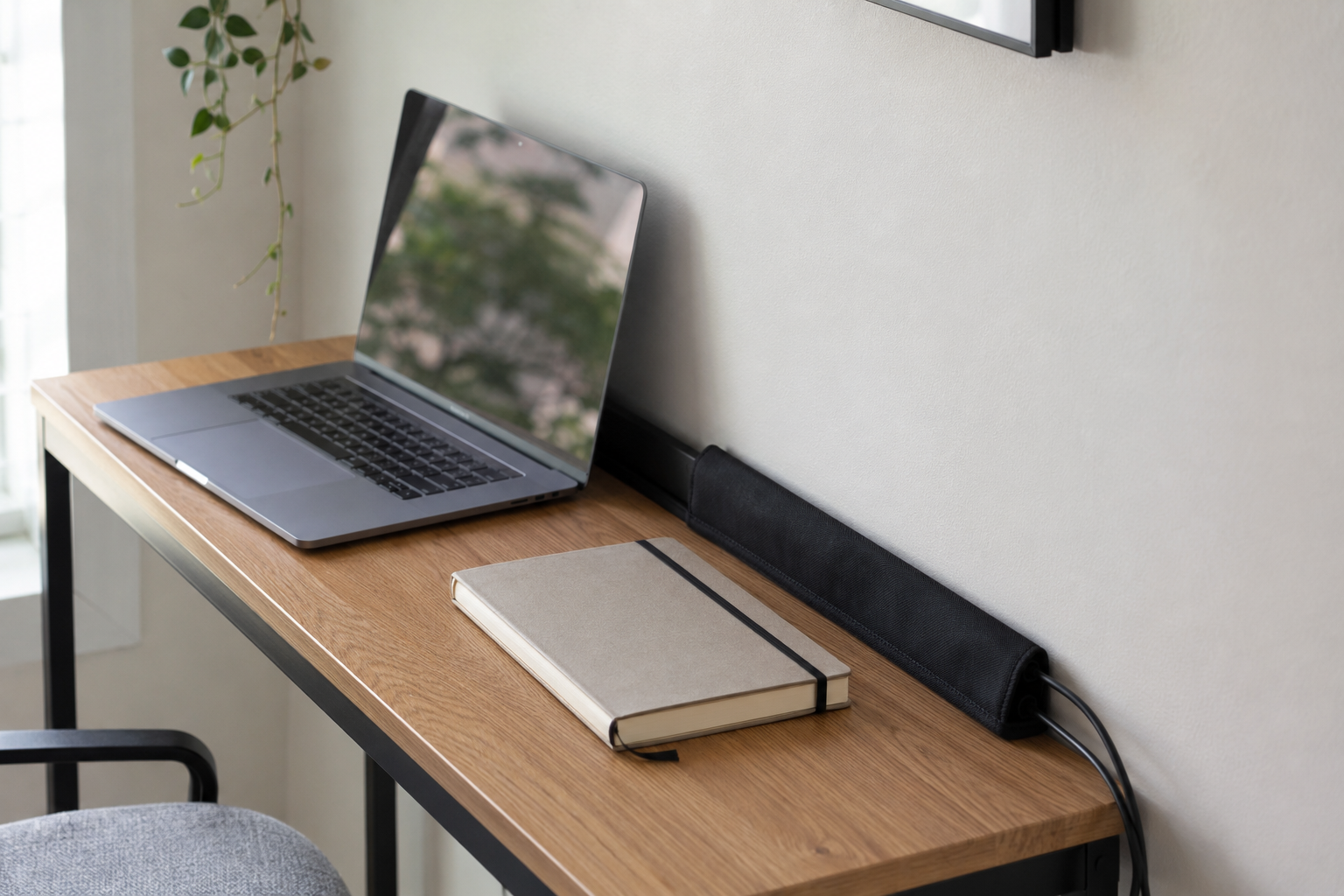
A corner desk is more visible from more angles than a desk in a dedicated office, since it’s sitting inside a room that’s used for something else most of the day. A cord management box or a simple cable sleeve run along the back edge of the desk, set up when the desk is first placed rather than after cords have already piled up, keeps a small workspace from visually reading as cluttered even when it’s doing real work. This is a five-minute setup step that’s easy to skip and worth doing anyway.
A corner office works when it respects the same basic requirements as any office: room to sit, room to see, and cords that aren’t underfoot. Getting those three things right matters more than how the desk itself looks.
Frequently Asked Questions
Can a home office corner work in a bedroom, or does it need to be in a living space?
Either can work, and the right choice depends more on when the desk gets used than on the room itself. A bedroom corner office suits work done mostly during standard daytime hours, since a lit desk in the evening can interfere with a room meant for winding down. A living room or hallway corner suits more flexible hours better, since the space isn’t also trying to function as a bedroom at night.
How much desk space does a laptop-only setup actually need?
A laptop-only setup can work on a surface as narrow as 16 to 18 inches deep and about 30 inches wide, enough for the laptop itself and a small notebook or mug beside it. Anyone who regularly uses a second monitor, physical documents, or additional equipment needs more surface area, but a laptop-only workflow is one of the easiest to fit into a small corner.