The size on a TV’s box is its diagonal, corner to corner, and a 65 inch television is about 57 inches wide, not 65. That’s the number a stand has to fit, along with two figures the box doesn’t print (how far apart the feet stand and how high the screen sits above them).
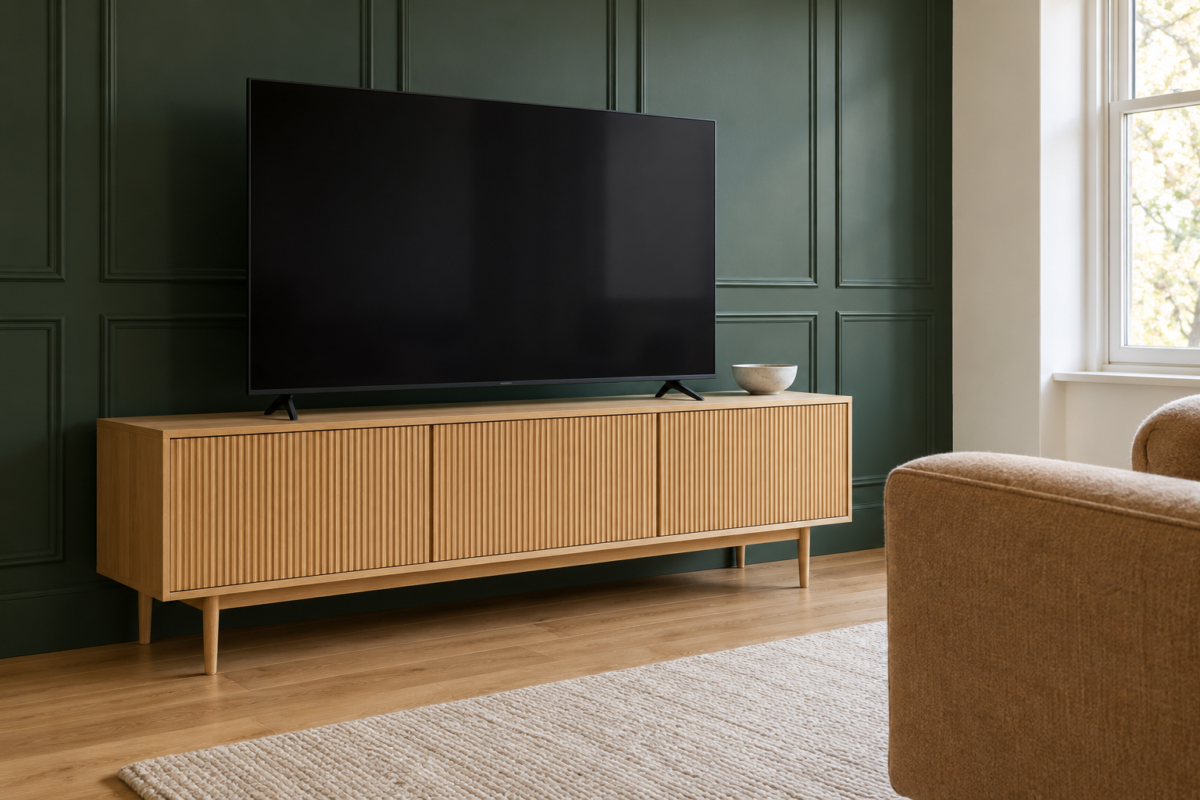
Choose a stand at least as wide as the screen and wider than the spread of its feet, ideally with a few inches to spare at each end. Then choose the height that puts the middle of the screen near seated eye level, about 42 inches from the floor, which for a 55 to 75 inch TV usually means a stand 20 to 26 inches tall.
Width Comes From the Screen, Not the Diagonal
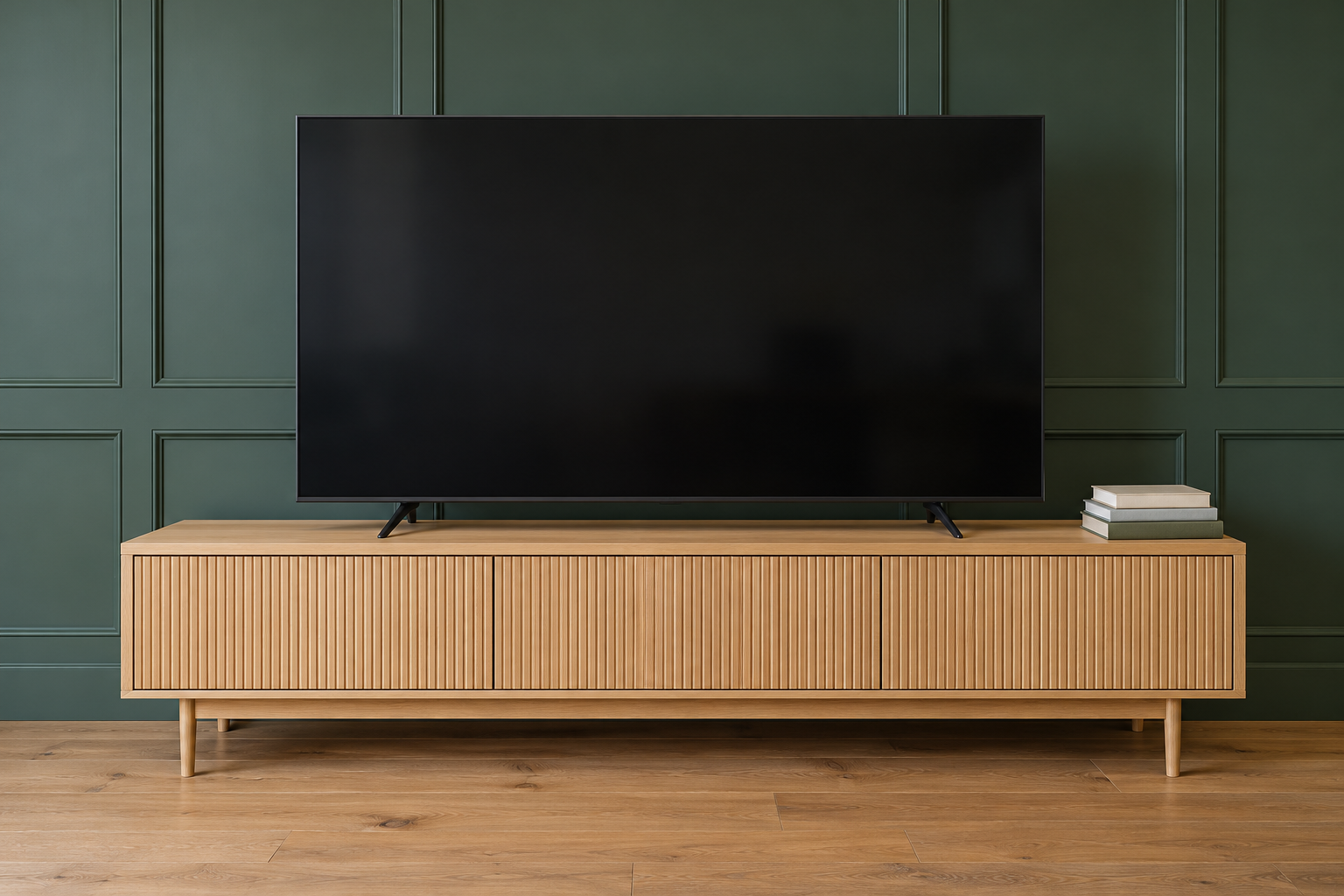
A screen’s width is about seven eighths of its diagonal. The table gives typical widths. The exact model’s own width is the number to use, since frames vary by an inch or so.
| Screen | Screen width, about | Stand width, at least | Stand height for a 42 inch center |
|---|---|---|---|
| 50 inch | 44 inches | 48 inches | about 27 inches |
| 55 inch | 48 inches | 52 inches | about 25 inches |
| 65 inch | 57 inches | 61 inches | about 23 inches |
| 75 inch | 65 inches | 69 inches | about 21 inches |
| 85 inch | 74 inches | 78 inches | about 18 inches |
A stand narrower than the screen can hold it, but the screen hangs out over both ends and looks top-heavy from across the room. A few inches beyond the screen at each end gives room for a lamp or a speaker without crowding it, and it’s what makes the pair look matched.
Where the Feet Land
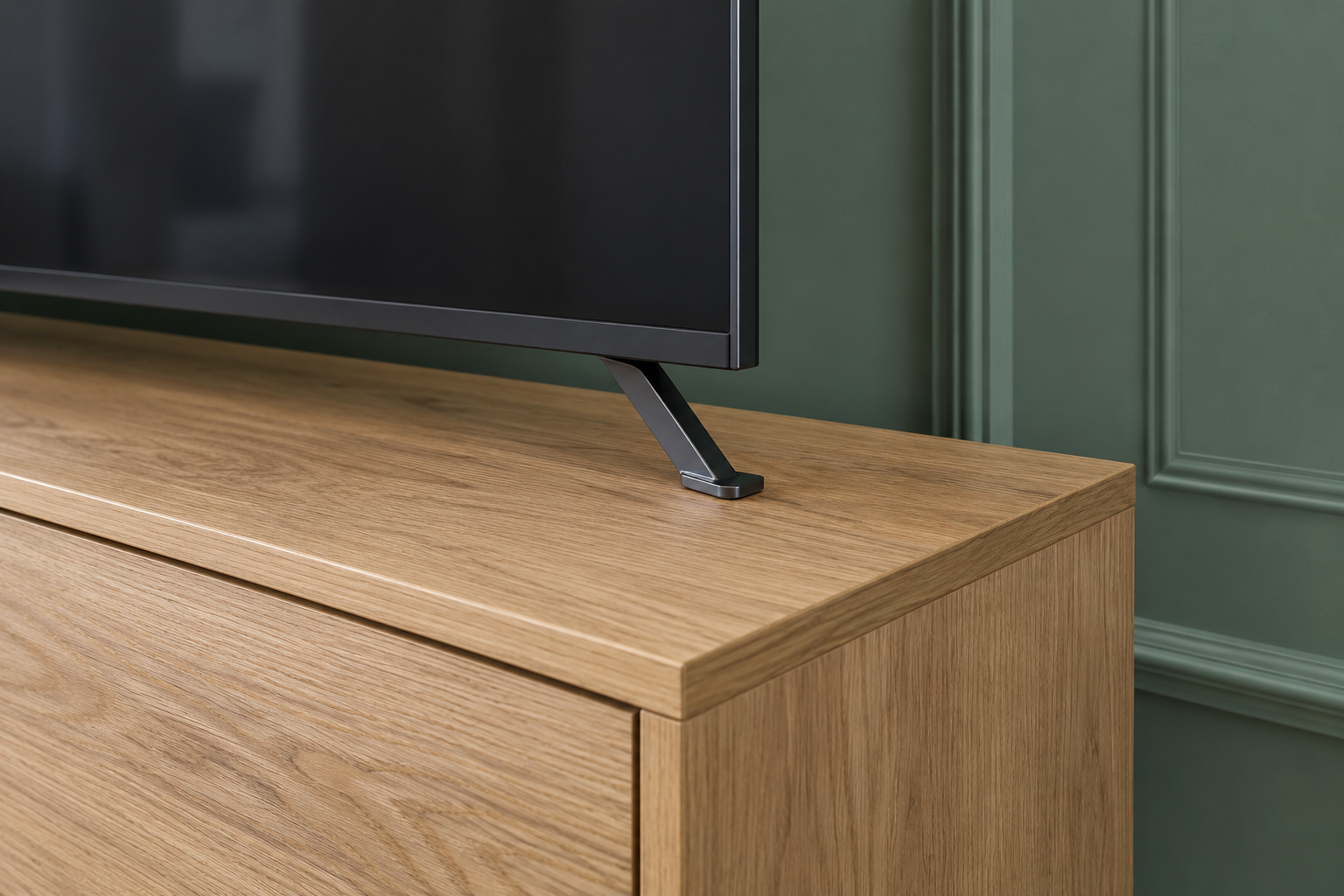
Many televisions stand on two feet set near the ends of the screen, so the feet can be nearly as far apart as the screen is wide. Check the distance between the feet, or the width of a center pedestal, in the model’s specifications. The stand’s top has to be wider than that with a margin, so neither foot sits near the edge.
Some models let the feet attach in two positions, at the ends or closer to the middle, which helps on a narrower stand. Check the stand’s weight rating against the TV’s weight at the same time, since a long console with no middle support can sag under a large screen.
Height for a 42 Inch Center
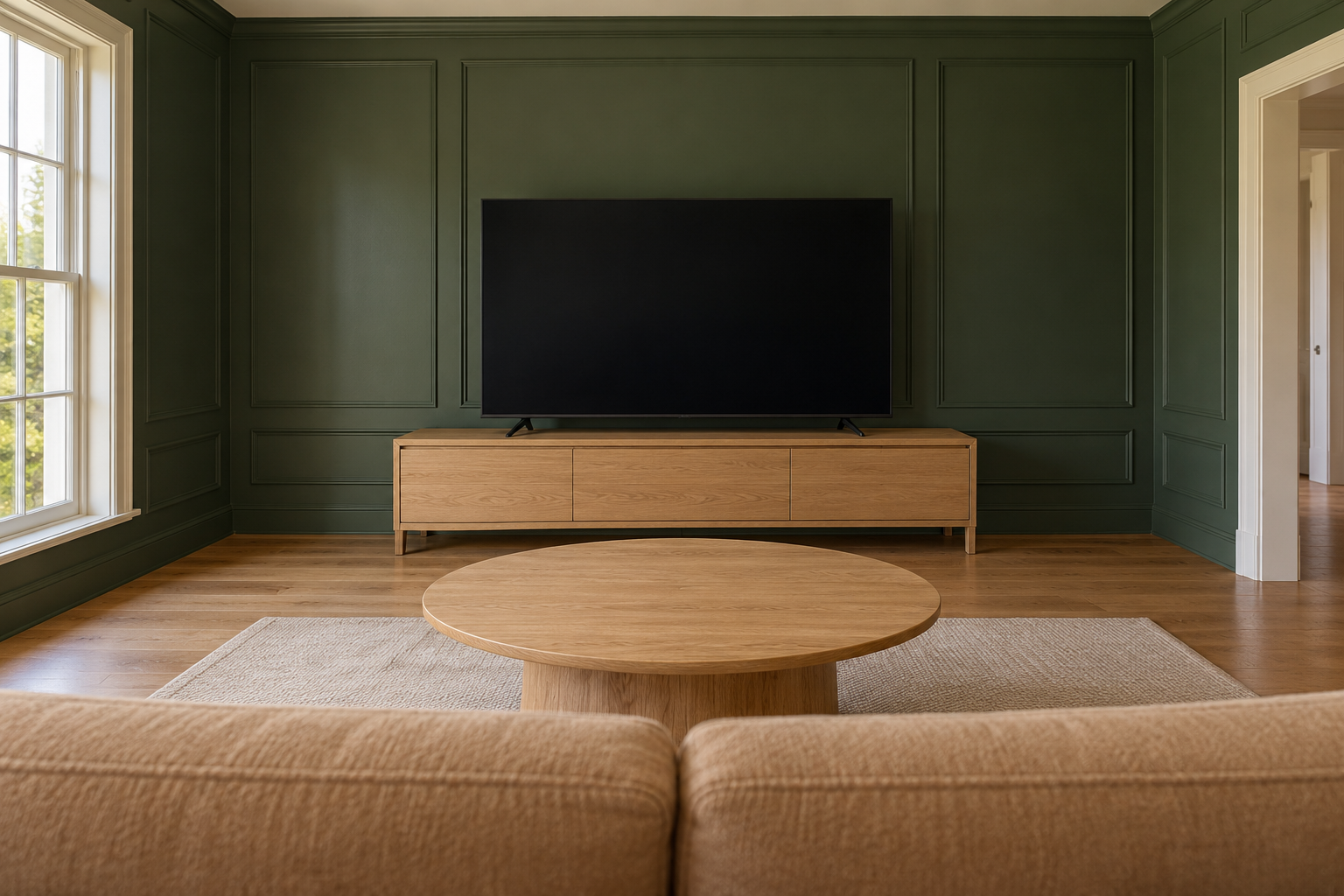
The middle of the screen is comfortable to watch at about the height of a seated viewer’s eyes, which on most sofas is around 42 inches from the floor. Working back from that point gives the stand’s height.
Take a 65 inch TV, with a screen about 32 inches tall. Its center is 16 inches above the bottom of the picture, and the feet usually lift the picture 2 to 4 inches above the stand. With a 3 inch gap, a stand about 23 inches high puts the center at 42 inches (23 plus 3 plus 16). A deep, low sofa lowers the eye line, and a stand an inch or two lower suits it.
Depth and What Goes Inside
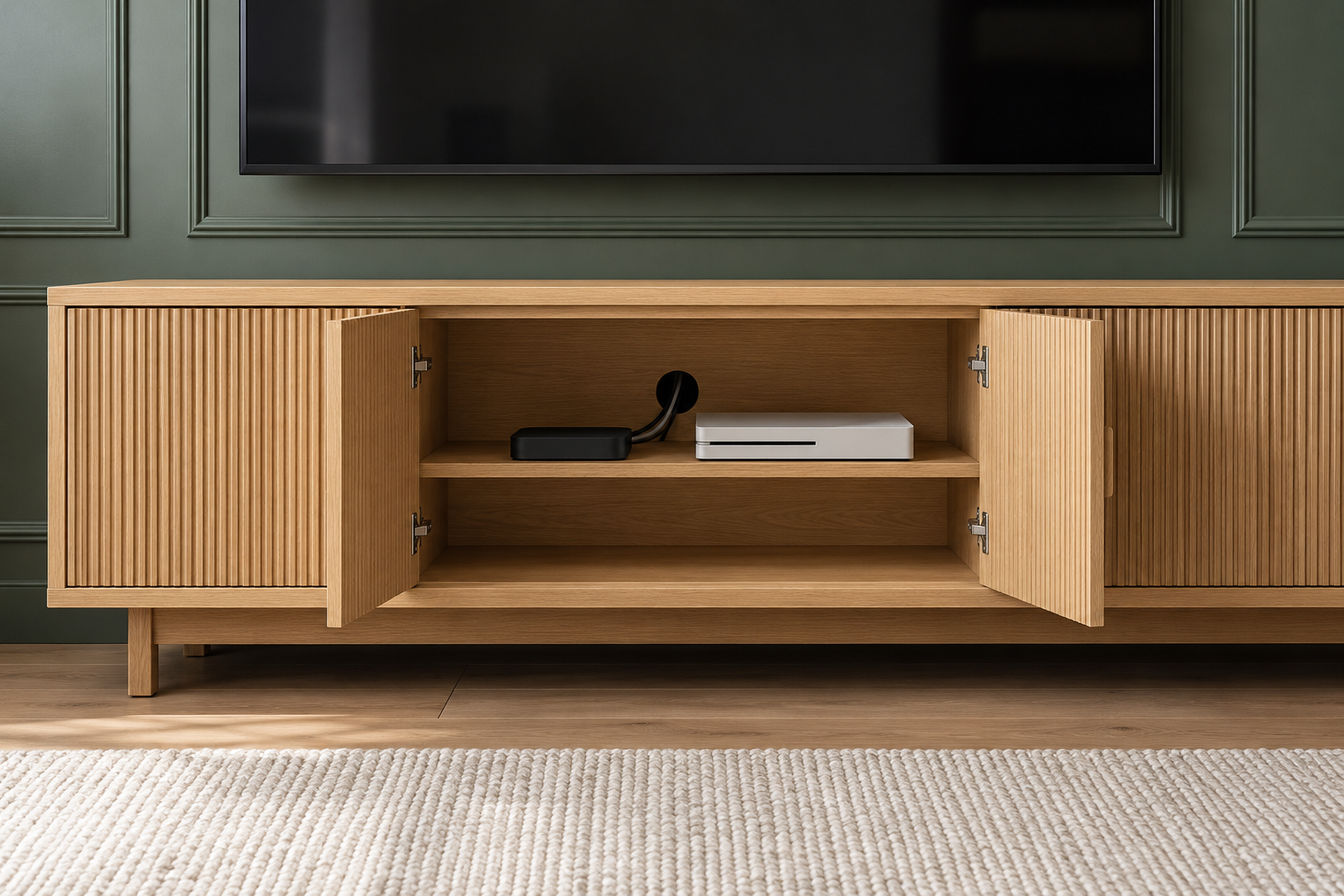
The stand needs to be deeper than the TV’s feet, front to back, so they don’t sit at its front edge. Most consoles run 15 to 20 inches deep, which takes the feet of most TVs and a streaming box or a game console behind closed doors.
Electronics in a closed cabinet need air. Check that the cabinet has open backs or cable holes and leave space around each device, especially a game console, which runs warm. Doors in cane, mesh, or fluted glass let a remote’s signal through, so the devices can stay out of sight.
A Console Under a Wall-Mounted Screen
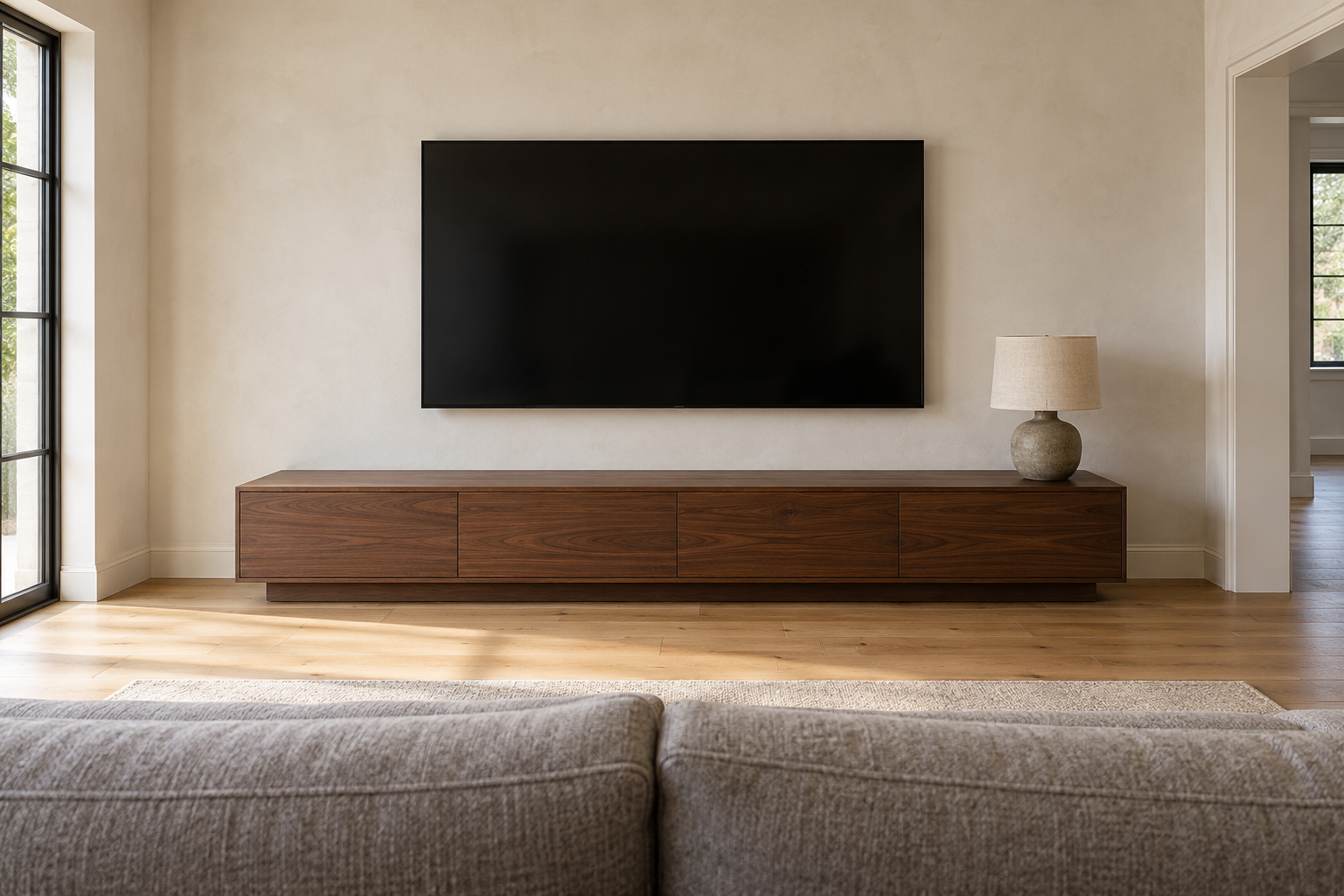
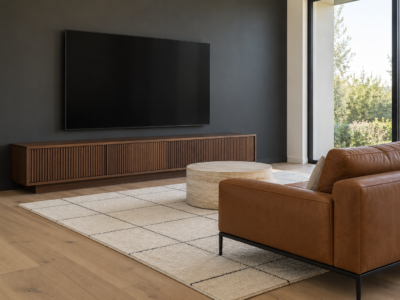
With the TV on the wall, the console’s height no longer decides the screen’s. It can be lower, often 16 to 22 inches, with the screen’s bottom edge a few inches above the top. The width still matters for the same reason as before: a console a little wider than the screen anchors it on the wall.
Leave enough of a gap that a soundbar, if there is one, fits between them without touching the screen, and plan the cables to run down inside the wall or behind the console before the TV goes up.